
 admin
admin 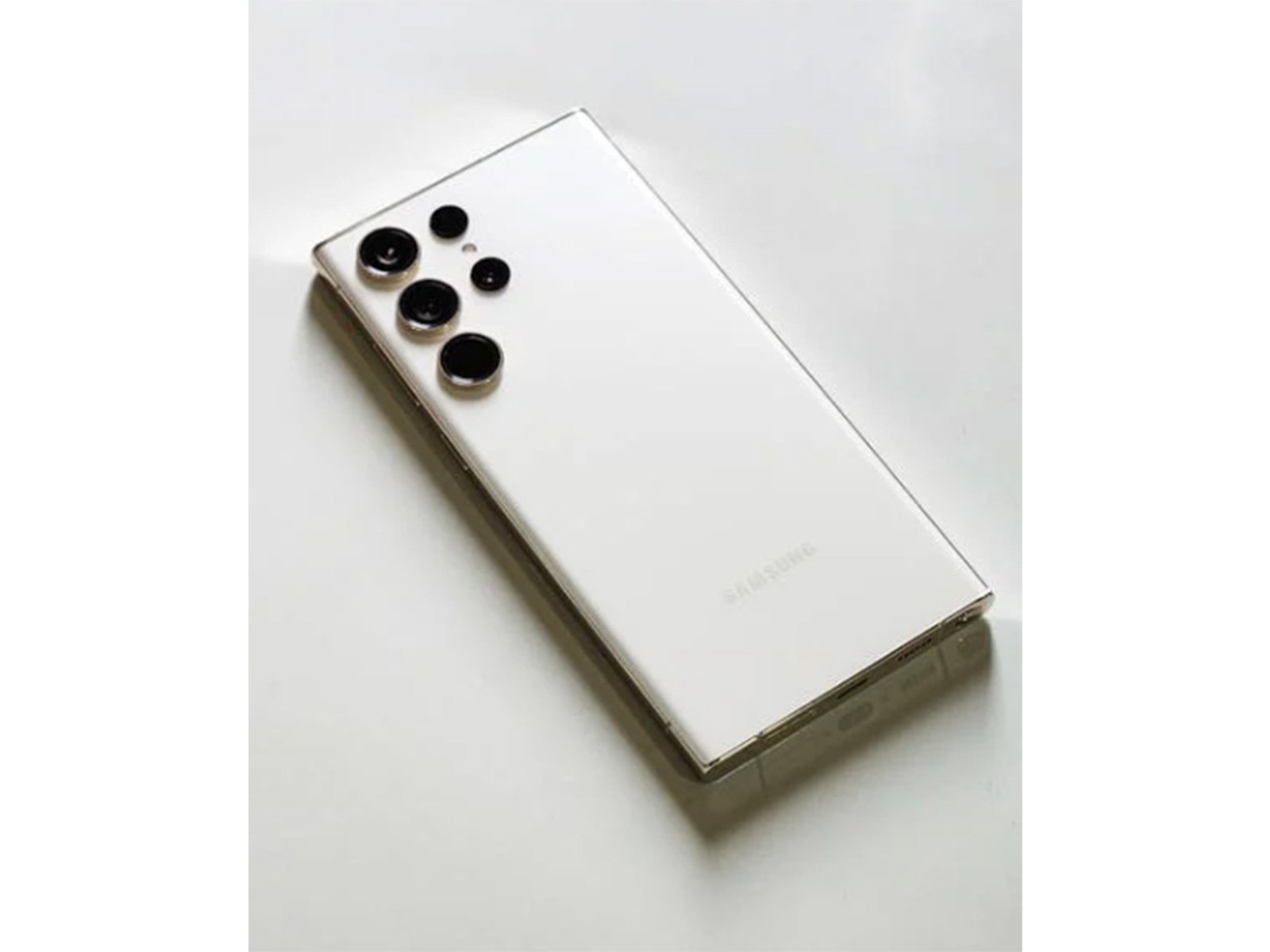
Introduction
Introduction
Samsung Messages App Discontinued 2026 is one of the biggest updates for Galaxy smartphone users. Samsung has officially announced that it will shut down its native messaging app by July 2026. Therefore, users are now being encouraged to switch to Google Messages for a better and more modern messaging experience.
For years, Samsung Messages has been a default app on Galaxy devices. However, the company is now moving towards a more unified Android ecosystem. As a result, Google Messages is becoming the new standard.
Why Samsung Messages App Discontinued 2026
Samsung did not make this decision suddenly. In fact, the transition has been happening gradually over the past few years.
1. Better Integration with Google
Samsung is working closely with Google to improve user experience. Therefore, using a single messaging platform reduces confusion and improves performance.
2. Support for RCS Features
Google Messages supports Rich Communication Services (RCS). For example, users can enjoy:
- Typing indicators
- Read receipts
- High-quality media sharing
However, Samsung Messages lacks full global RCS support.
3. Already Default in New Devices
Moreover, newer smartphones like:
- Samsung Galaxy S25
- Samsung Galaxy Z Fold6
- Samsung Galaxy Z Flip6
already come with Google Messages as the default app. So, this change was expected.
What Happens After Samsung Messages App Discontinued 2026
After July 2026, Samsung Messages will no longer be supported on most newer devices. However, not all users will be affected immediately.
Affected Users
- Users with newer Android versions
- Users still using Samsung Messages as default
Not Immediately Affected
- Devices running Android 11 or older
- Older Galaxy smartphones
Therefore, older users can continue using the app for some time.
Benefits of Switching to Google Messages
Switching to Google Messages is not just necessary—it is also beneficial.
1. Advanced Messaging Experience
Google Messages offers features similar to WhatsApp. For instance, you get real-time typing indicators and reactions.
2. End-to-End Encryption
Moreover, your chats remain secure with encryption.
3. Better Android Integration
Since Google develops it, the app works smoothly with Android updates and services.
4. Cross-Device Access
In addition, you can access messages on your desktop using a browser.
How to Switch to Google Messages
The switching process is simple and user-friendly.
Steps to Follow:
- Open or download Google Messages
- Set it as your default messaging app
- Allow required permissions
- Enable RCS chats in settings
- Sync your messages
As a result, your old messages will automatically appear in the new app.
Will Your Messages Be Safe?
Yes, your messages are completely safe.
- SMS data is stored on your device
- Google Messages imports existing chats
- No data will be lost
However, it is always better to take a backup for extra safety.
Samsung Messages vs Google Messages
| Feature | Samsung Messages | Google Messages |
|---|---|---|
| RCS Support | Limited | Full |
| Encryption | No | Yes |
| Cross-device sync | Limited | Yes |
| Future support | Ending in 2026 | Active |
Clearly, Google Messages provides a more advanced experience.
Should You Switch Now?
Yes, you should switch as soon as possible.
Reasons to Switch Early:
- Avoid last-minute issues
- Learn new features easily
- Stay updated with Android trends
Therefore, switching now is a smart decision.
Industry Impact of This Change
This move reflects a major shift in the Android ecosystem. Instead of competing, companies are now collaborating.
As a result:
- Android messaging will become more unified
- RCS adoption will increase
- User experience will improve
Meanwhile, this also reduces confusion caused by multiple apps. more of an upgrade.
About The Author